


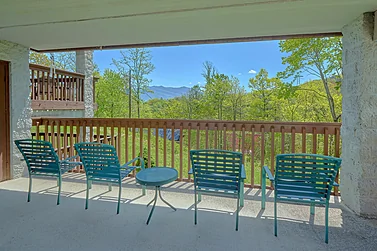


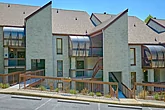
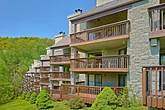

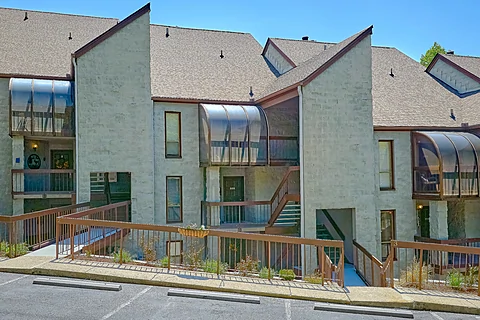
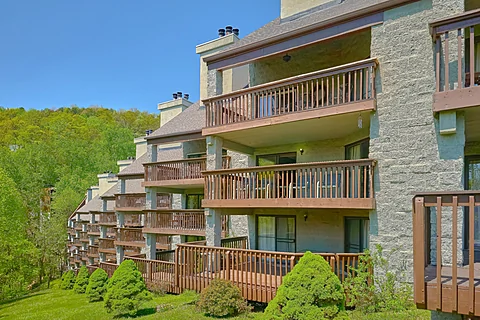
Make Smoky Mountain memories in "Our Mountain Home." This
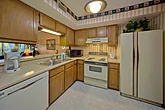
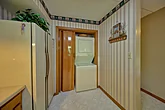
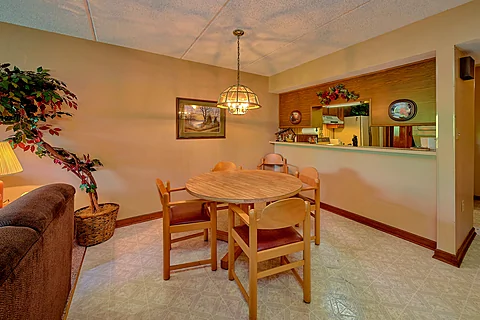
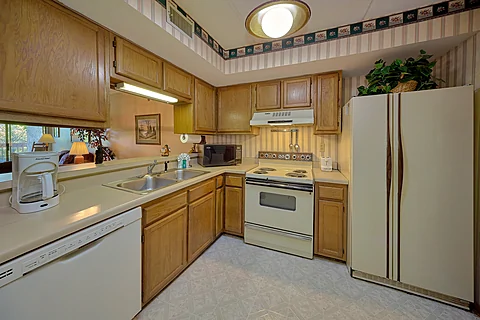
Head inside your
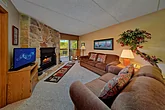
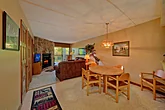
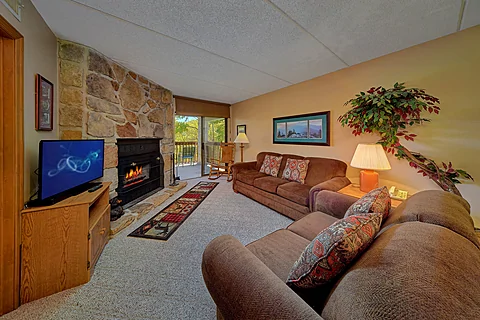
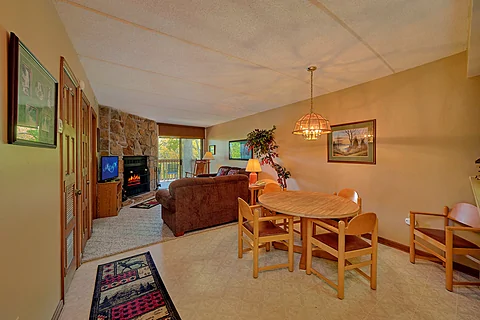
Nearby, the living area offers pure comfort for you and your guests with cozy furniture, a wood fireplace, and a flat-screen TV. Catch up on your shows or plan a fun Smoky Mountain adventure with your favorite people. Either way, you'll feel at home during your stay in "Our Mountain Home."
With a location in the heart of Chalet Village, you and your guests are only minutes from downtown Gatlinburg and the rest of the Smokies. Have a blast at top-notch attractions like Anakeesta, Ripley's Aquarium of the Smokies, or the Gatlinburg Space Needle, along with other fun options.
If you want a more low-key experience, consider hiking in the Great Smoky Mountains National Park nearby to see nature's beauty firsthand at places like Cades Cove or Clingman's Dome. Alternatively, you can visit places like the Village Shoppes or the Glades, a short drive away. No matter the pace you want, you'll find plenty to enjoy before returning home.
Keep the fun going by driving further out to play in downtown Pigeon Forge. Spend the day at fun options like Dollywood and the Island or catch a live show when not enjoying fun activities like mini golf with the family. Once you're done playing, it's only a short drive back to the condo.
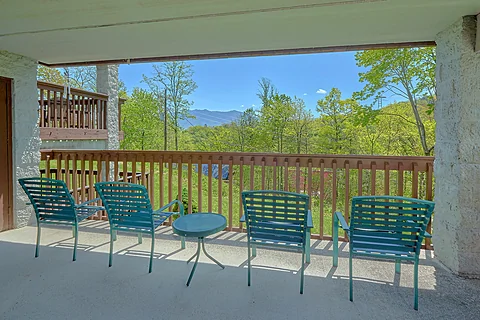
When not enjoying the Smoky Mountains, you'll love relaxing and taking it easy at your
In addition to relaxing amenities, practical ones like Wi-Fi Internet are available, letting you enjoy other means of entertainment while enjoying pure Smoky Mountain ambiance in your rental condo.
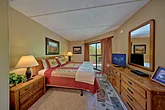
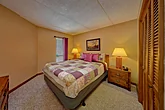
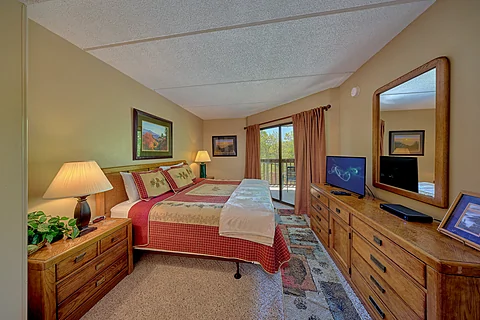
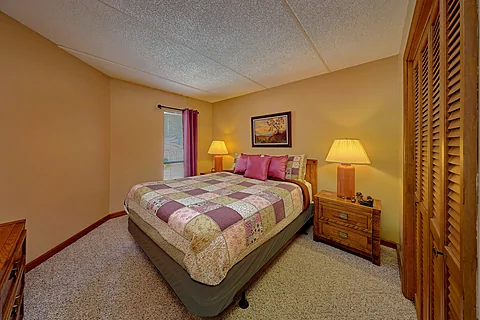
Once you're ready to rest, you can look forward to sleeping in one of the cabin's two bedrooms. One bedroom provides a king-sized bed, while the other features a queen-sized bed, ensuring a good night's sleep for everyone.
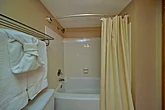
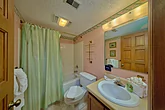
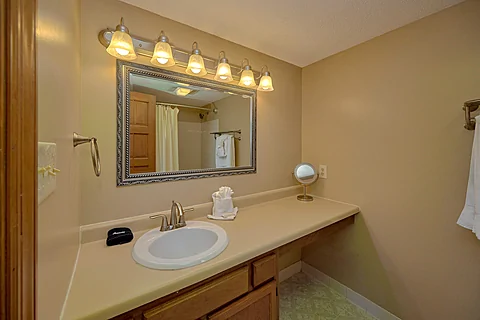
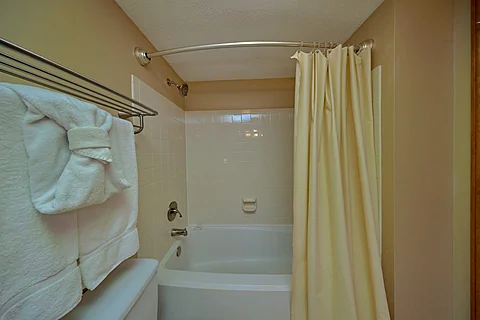
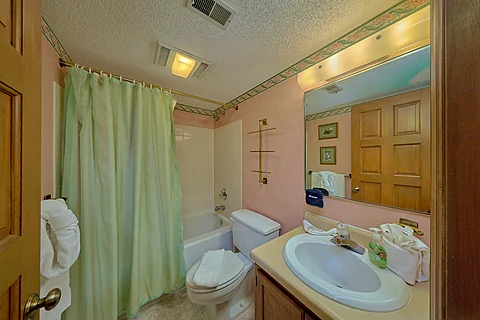
Additionally, there are two bathrooms available, making it a breeze for everyone to get ready for another fun-filled day in the Gatlinburg area.
"Our Mountain Home" accommodates up to four guests, making it the perfect location for a small family vacation or a trip with friends in the Smoky Mountains.
Make your Gatlinburg vacation with those who matter most unforgettable by grabbing your spot at "Our Mountain Home!" Book your
Instructions:
Do you want to explore the cabins before you arrive? That's easy, thanks to our 3D Tour powered by MatterPort. Just press the Play button to get started. There are different viewing options available:
In first-person view, navigate through the cabin using the touch screen.
To look around, drag your finger left, right, up, or down. To move to another area, tap on the screen or the hollow white circles on the floor to move the direction you're facing.
To view in full-screen, click the far right icon to enter full-screen mode. Drag from the top of the screen and press the back button to exit full-screen mode.
To use measurement mode, after clicking the plus sign, press and hold to add your start point. Once done, press and hold to add your end point.
In first-person view, use the arrow keys on your keyboard to move around the cabin.
The left and right arrows let you look around while the up and down arrows let you move forward and backward. Also, you can click on the hollow white circles to move to a specific point.
To view in full-screen, click the icon on the far right to enter full-screen mode. Press escape to exit full-screen mode.
To use measurement mode, after clicking the plus sign, click anywhere you want to add to your start point. Once done, click on another spot to add your end point.
 - Office Location
 - Condo Location
Related Cabin Groups: |
|---|