


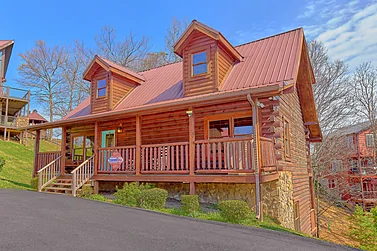


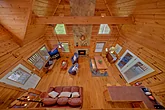

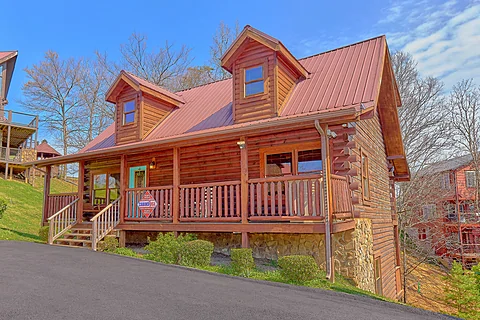
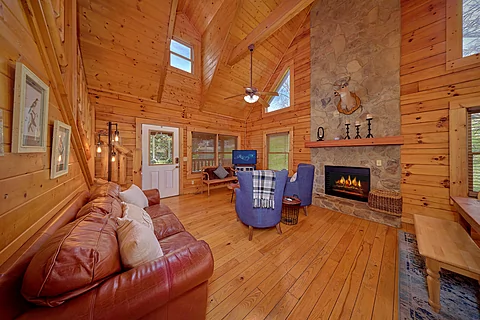
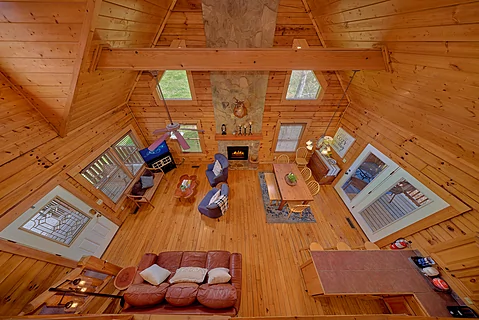
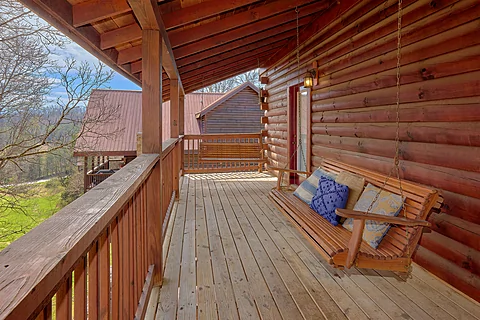
Enjoy a memorable vacation with loved ones in the Smoky Mountains with a stay at "Autumn Ridge." This
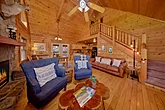
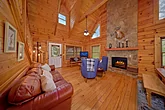
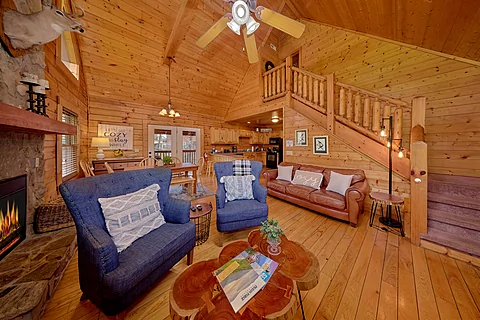
As you enter your
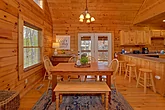
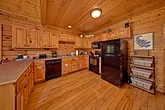
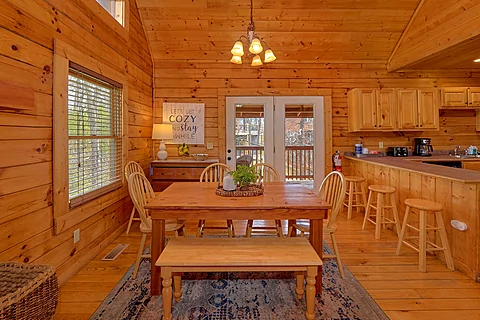
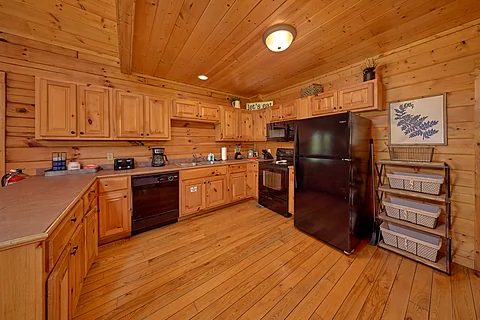
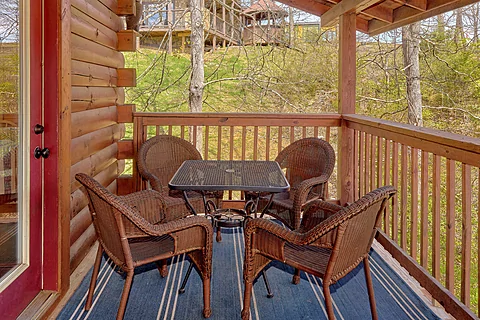
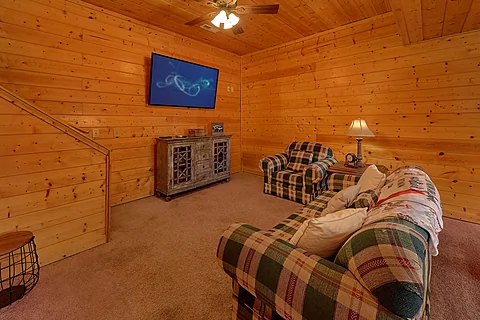
While plenty of dining options are nearby, you only need to head to the fully equipped kitchen to take care of your hunger. Make snacks for your shows or cook a full-course meal to share in the dining area. For a change of pace, use the grill for a cookout before heading out to play in the Smoky Mountains.
Hop in the car to find downtown Gatlinburg, a short drive from your cabin rental. Play all day at top attractions like Ober Mountain, Anakeesta, and Gatlinburg Space Needle, among other fun options for an entertaining day with your favorite people.
When you're ready to slow down, consider visiting the Village Shoppes, touring Ripley's Aquarium of the Smokies, or hiking in the Great Smoky Mountains National Park before returning to your cabin rental.
Alternatively, you can check out other attractions in Sevierville and Pigeon Forge, from Forbidden Caverns to Dollywood and the Island, if you want to stick a little closer to your cabin.
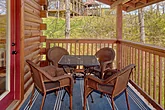
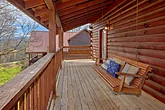
After a fun-filled day in the Smoky Mountains, you'll love unwinding in your
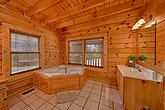
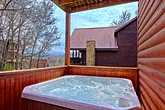
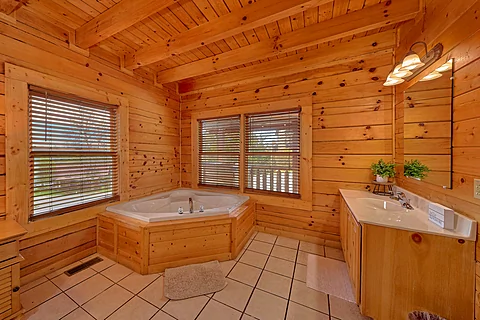
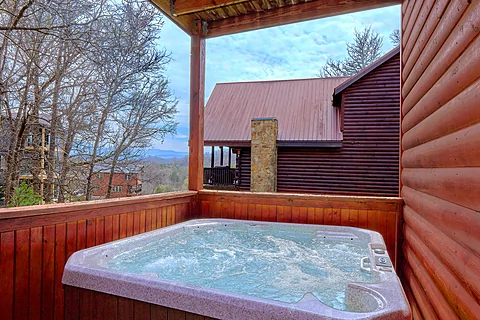
Add to your relaxation with a dip in the hot tub. Feel the warm water melt away the day's stress as you plan another Smoky Mountain adventure with loved ones. If you desire privacy with your relaxation, use the jetted tubs inside.
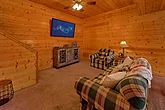
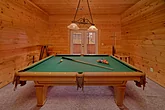
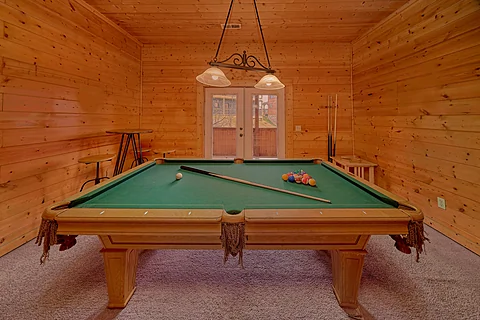
For in-cabin entertainment, head to the game area to shoot a few rounds at the pool table for an easy way to keep the fun going before going to bed.
In addition to premium amenities, practical ones like Wi-Fi Internet and a washer/dryer are available, letting everyone enjoy a stress-free stay in the Smokies.
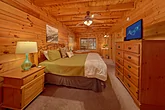
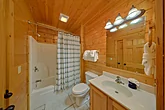
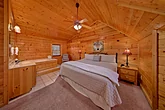
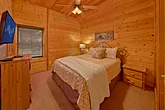
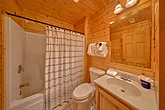
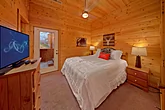
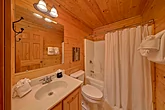
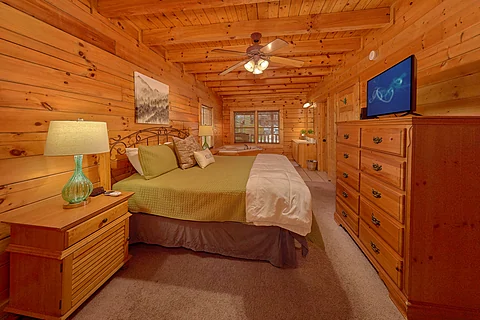
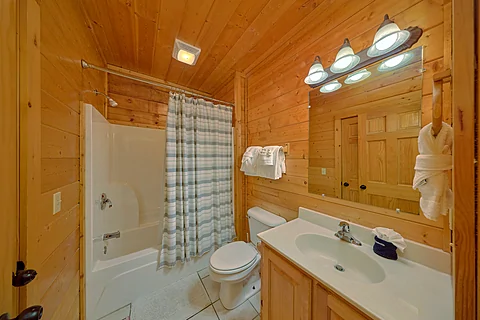
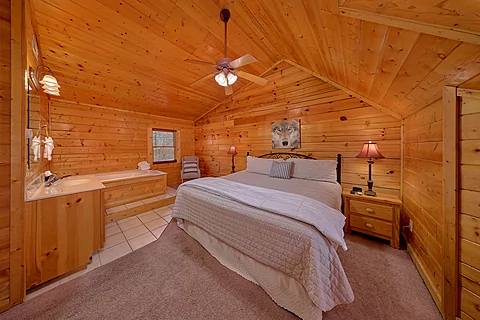
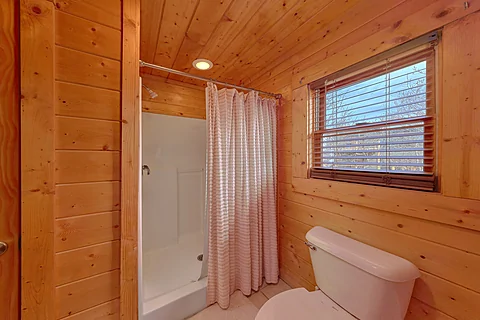
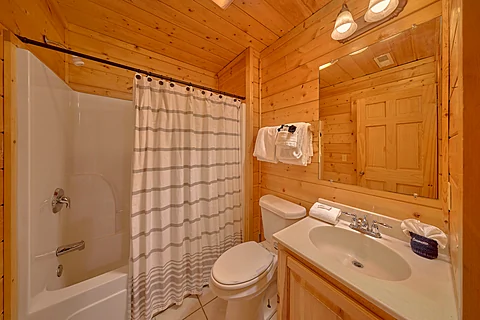
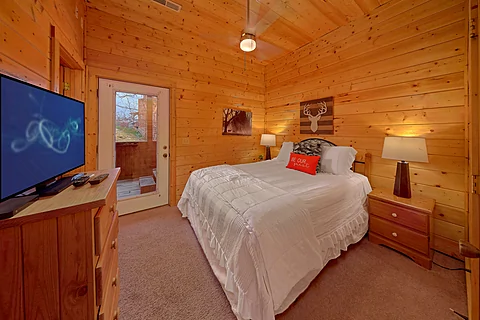
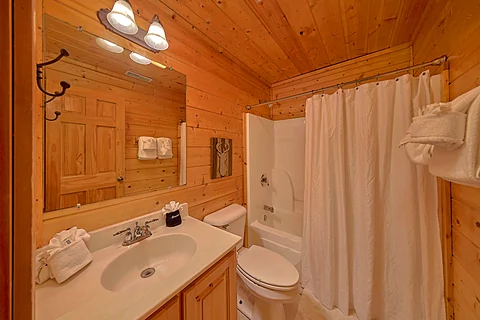
Once you're ready to rest, you can look forward to sleeping in one of the four bedrooms. On the main level, there is a king-sized bedroom with an indoor jetted tub and a full bathroom with a shower/tub combo, ensuring a relaxing evening experience.
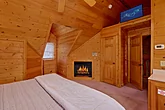
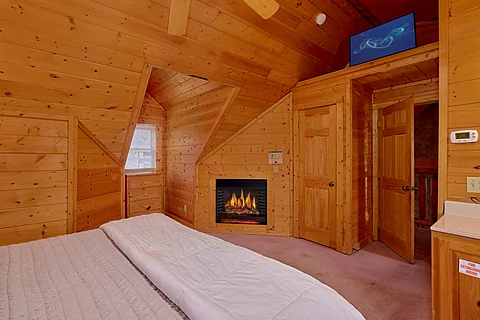
Go to the upper level to discover a second king-sized bedroom with an indoor jetted tub, an in-room gas fireplace, and a full bathroom with a shower/tub combo.
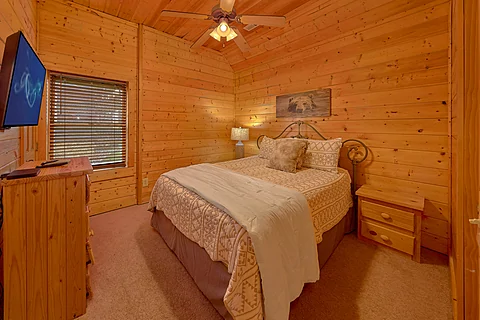
The last two bedrooms are on the lower level. Both bedrooms feature a queen-sized bed and a full bathroom with a shower/tub combo.
"Autumn Ridge" accommodates up to ten guests, making it the ideal cabin rental destination for a family vacation or a trip with friends in the Smoky Mountains.
Make memories, have fun, and unwind from everyday life on your Smoky Mountain vacation by grabbing your spot at "Autumn Ridge!" Book your
Instructions:
Do you want to explore the cabins before you arrive? That's easy, thanks to our 3D Tour powered by MatterPort. Just press the Play button to get started. There are different viewing options available:
In first-person view, navigate through the cabin using the touch screen.
To look around, drag your finger left, right, up, or down. To move to another area, tap on the screen or the hollow white circles on the floor to move the direction you're facing.
To view in full-screen, click the far right icon to enter full-screen mode. Drag from the top of the screen and press the back button to exit full-screen mode.
To use measurement mode, after clicking the plus sign, press and hold to add your start point. Once done, press and hold to add your end point.
In first-person view, use the arrow keys on your keyboard to move around the cabin.
The left and right arrows let you look around while the up and down arrows let you move forward and backward. Also, you can click on the hollow white circles to move to a specific point.
To view in full-screen, click the icon on the far right to enter full-screen mode. Press escape to exit full-screen mode.
To use measurement mode, after clicking the plus sign, click anywhere you want to add to your start point. Once done, click on another spot to add your end point.
 - Office Location
 - Cabin Location