


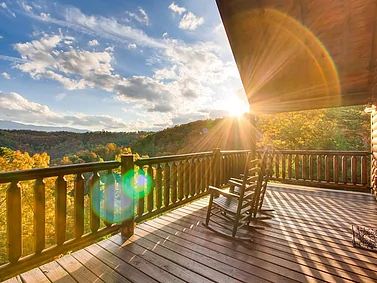


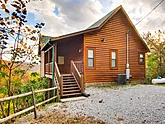
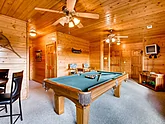
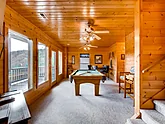
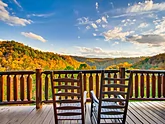

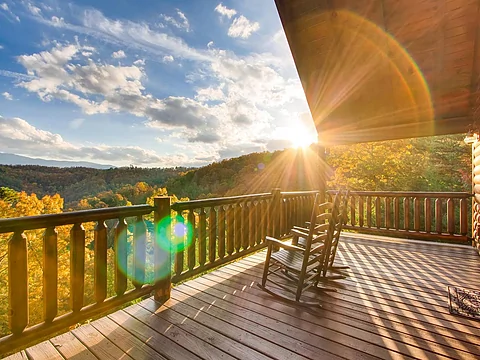
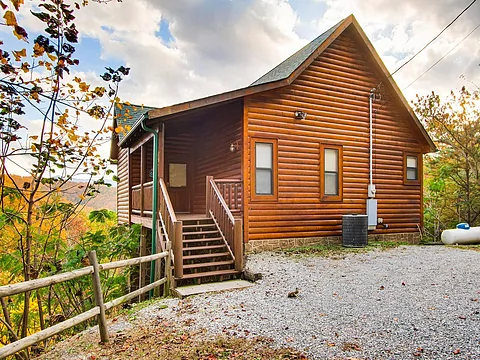
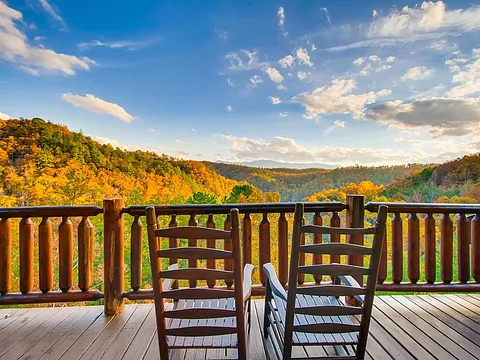
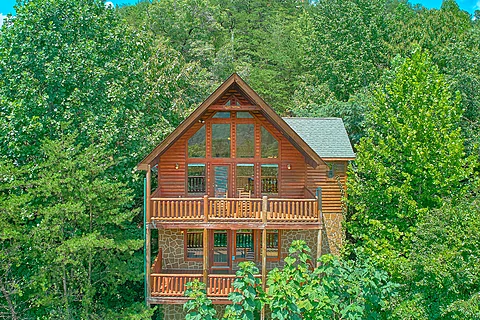
Enjoy a joyful getaway to the Smoky Mountains with a stay at "Rocky Top Joy." This
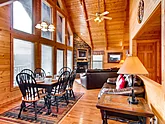
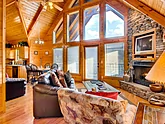
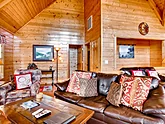
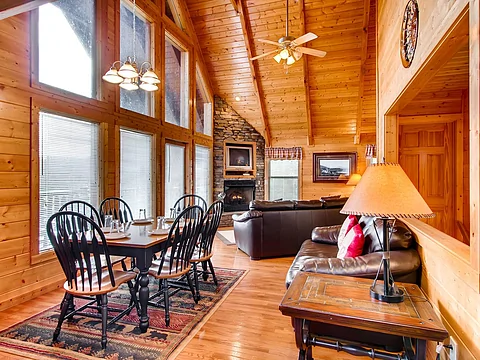
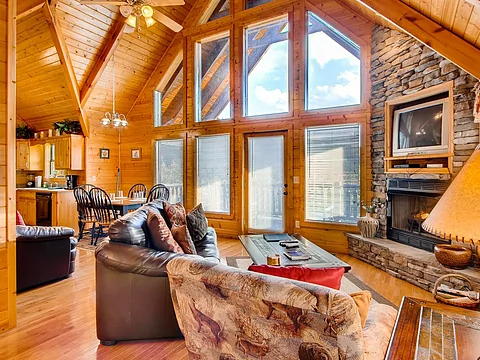
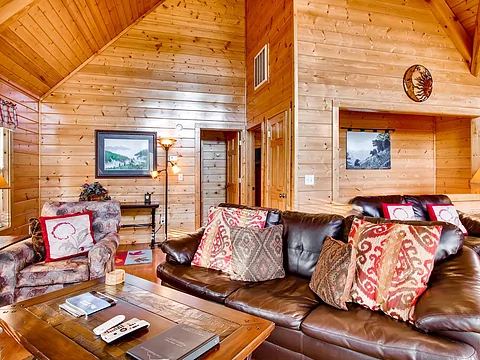
Making excellent memories starts as soon as you step inside the living room of your
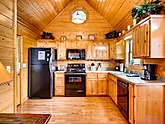
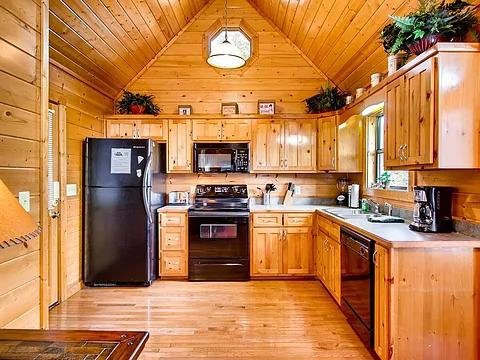
While plenty of dining options are nearby, you only need to go as far as the full kitchen to enjoy anything from snacks for your shows to preparing a full-course meal to share in the dining area with the other guests. After eating, hop in the car and head out to play in the Smoky Mountains.
During your stay at "Rocky Top Joy," you and your guests will enjoy being a short drive from downtown Gatlinburg. Here, you can enjoy favorites like Ober Gatlinburg or the Gatlinburg Space Needle. If you prefer exploring nature's beauty, you should visit the Great Smoky Mountains National Park to see the forests, waterfalls, and the local wildlife.
If you need more fun for your group, head to downtown Pigeon Forge to explore Dollywood and everything else there is to do on the Pigeon Forge Parkway, like the Island, before calling it a day and returning to your cabin rental. Remember to check out a live show or try an activity like mini golf to round out your vacation experience.
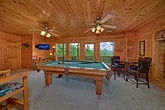
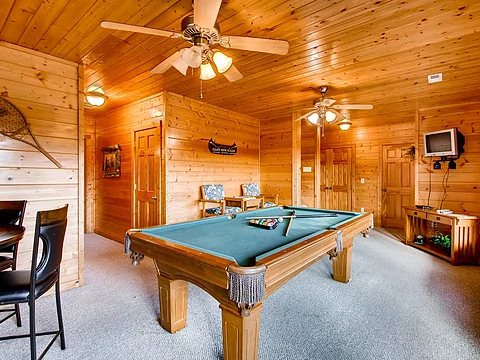
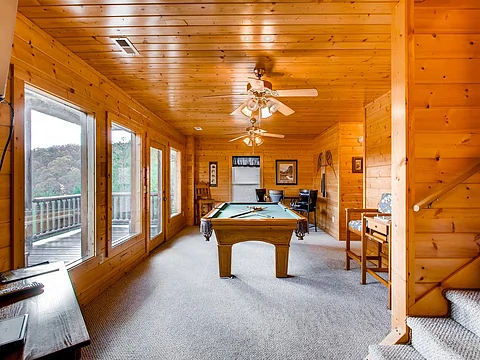
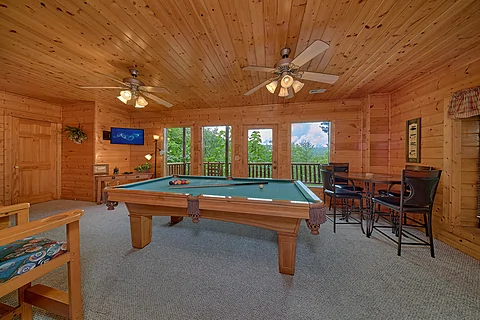
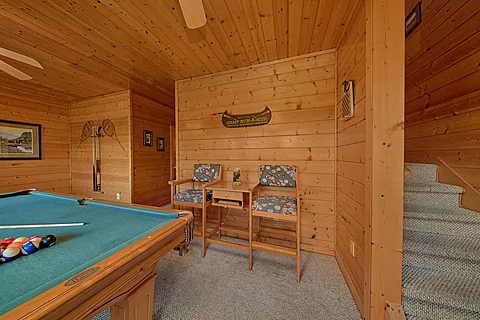
Back at your
If traveling in the summer, remember to set aside time to visit the nearby Honeysuckle Meadows pool, pond, and deli for hours of splashing fun and relaxation with the family while staying cool.
Besides the premium amenities, you'll have access to practical ones like Wi-Fi Internet and a washer/dryer to make the vacation smooth and relaxing.
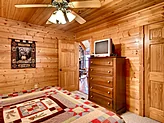
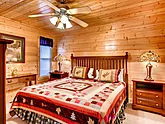
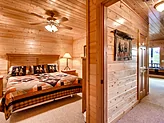
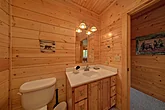
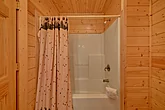
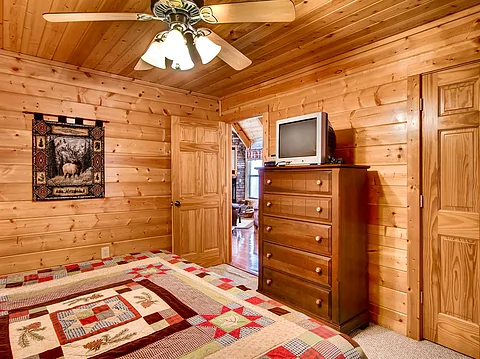
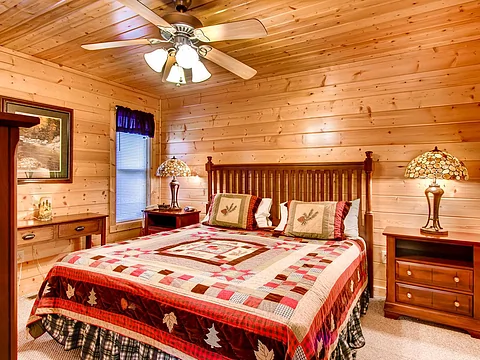
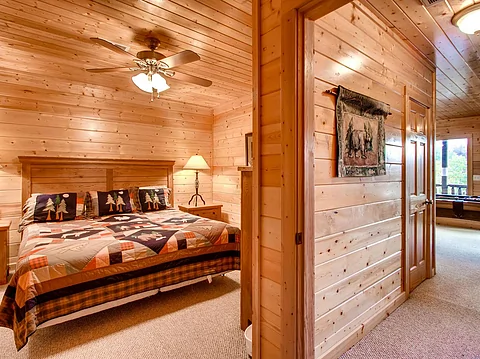
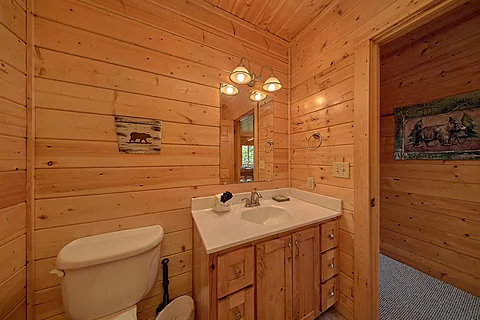
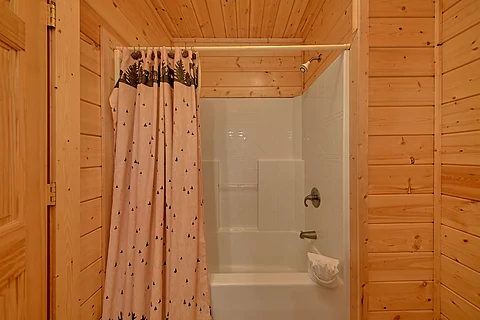
When it's time to rest up for the night, your rental features two king bedrooms with a full bath. The main bedroom also provides a jetted tub for complete relaxation before getting a good night's sleep.
With additional sleeping space, "Rocky Top Joy" sleeps up to six guests, making it ideal for a family vacation or a trip with friends in the Smoky Mountains.
Make your next Smoky Mountain vacation with loved ones unforgettable by claiming your spot at "Rocky Top Joy!" Book your
Instructions:
Do you want to explore the cabins before you arrive? That's easy, thanks to our 3D Tour powered by MatterPort. Just press the Play button to get started. There are different viewing options available:
In first-person view, navigate through the cabin using the touch screen.
To look around, drag your finger left, right, up, or down. To move to another area, tap on the screen or the hollow white circles on the floor to move the direction you're facing.
To view in full-screen, click the far right icon to enter full-screen mode. Drag from the top of the screen and press the back button to exit full-screen mode.
To use measurement mode, after clicking the plus sign, press and hold to add your start point. Once done, press and hold to add your end point.
In first-person view, use the arrow keys on your keyboard to move around the cabin.
The left and right arrows let you look around while the up and down arrows let you move forward and backward. Also, you can click on the hollow white circles to move to a specific point.
To view in full-screen, click the icon on the far right to enter full-screen mode. Press escape to exit full-screen mode.
To use measurement mode, after clicking the plus sign, click anywhere you want to add to your start point. Once done, click on another spot to add your end point.
 - Office Location
 - Cabin Location