
Cabins USA Gatlinburg Availability Search Icon Availability Search Small Icon

Moonlight Magic

2 Bedroom Cabin
2 Baths / Sleeps 6
Moonlight Magic Cabin Rental Photo
back next
Featured Property Photo
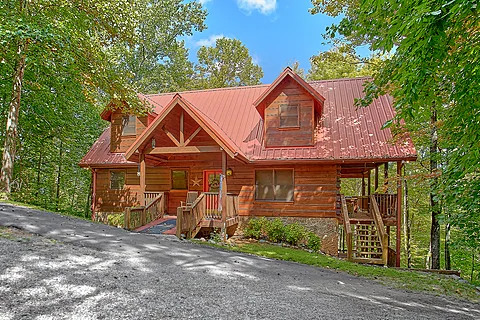
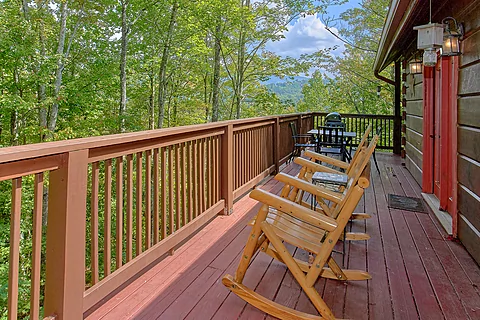
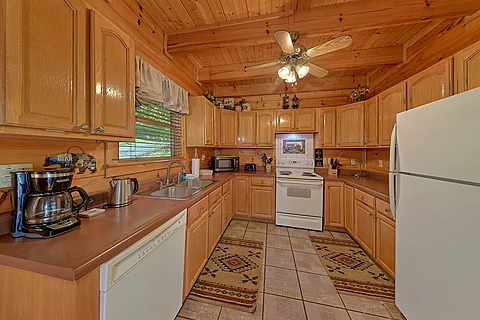
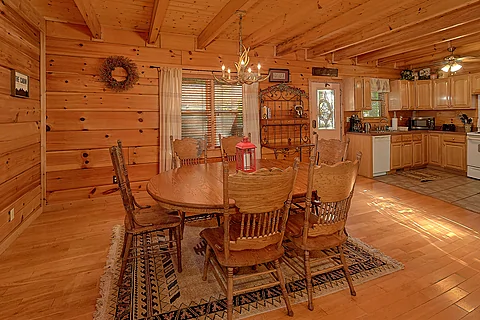
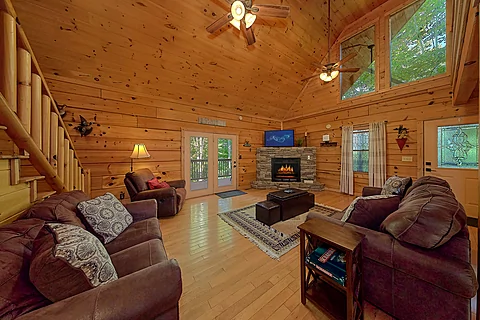
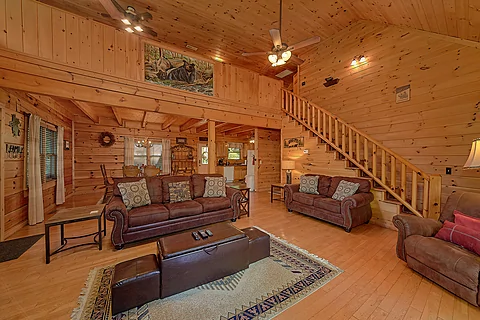
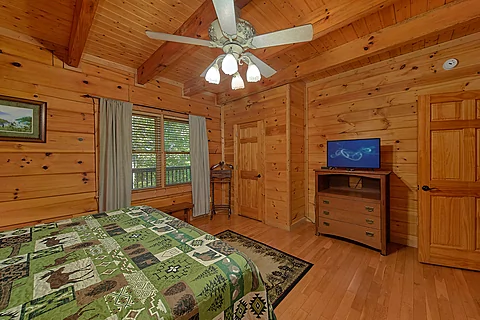
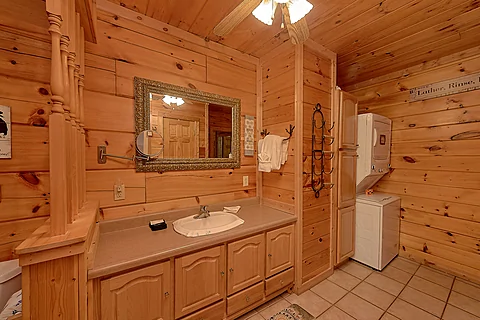
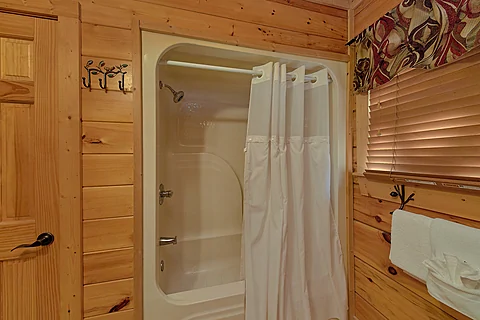
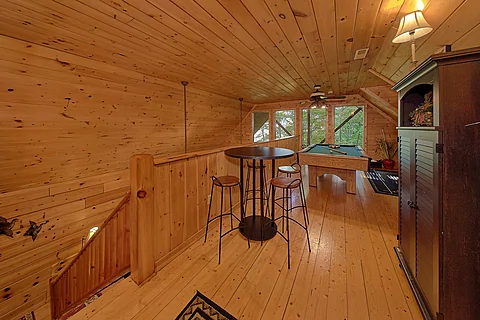
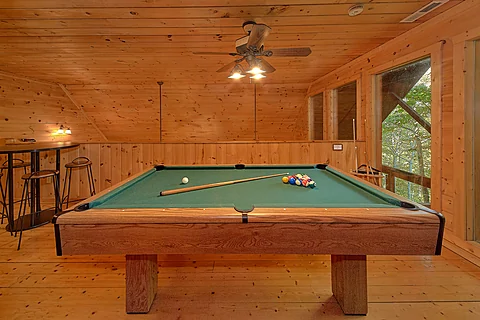
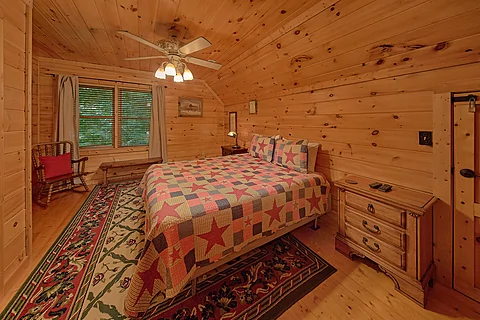
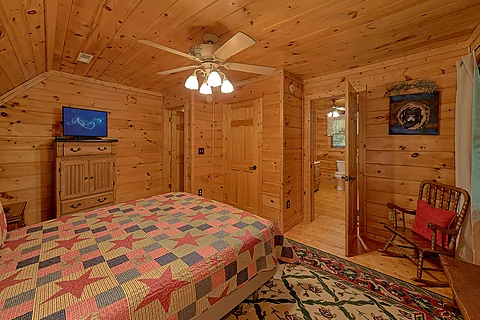
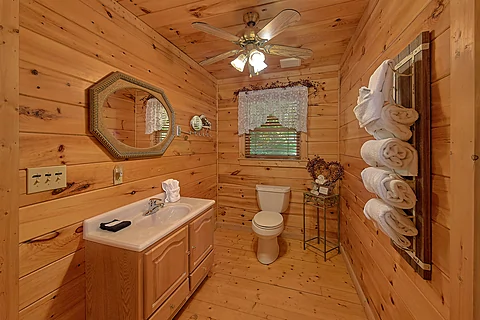
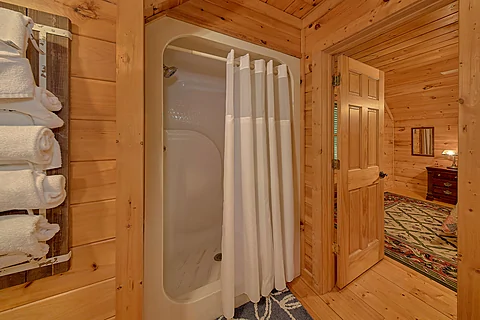
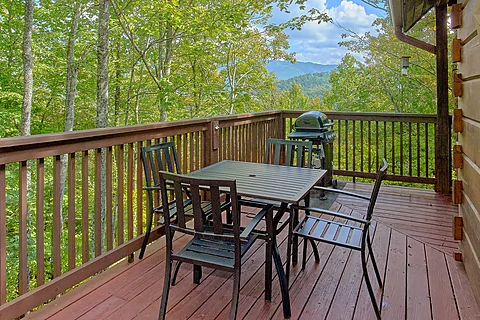
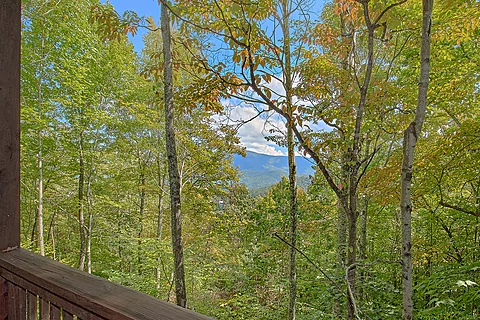
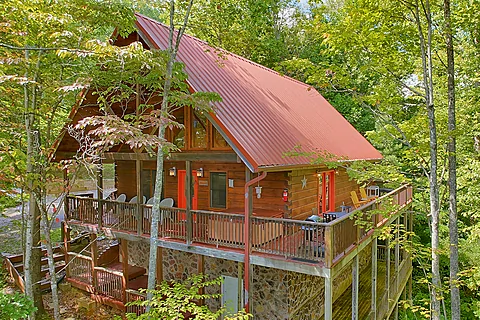
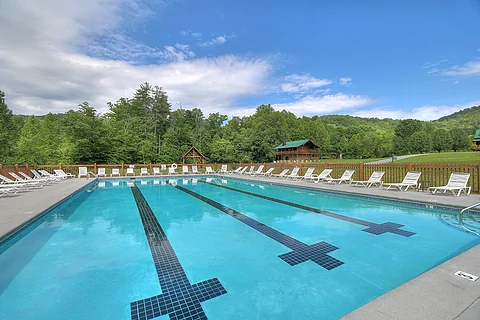
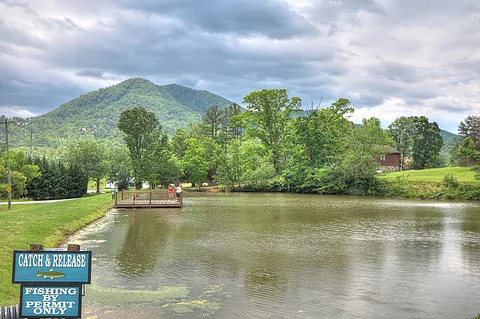
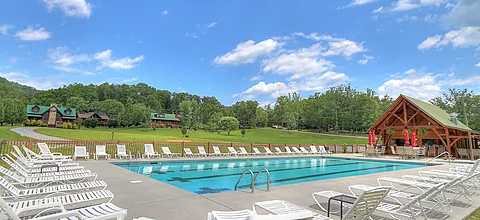
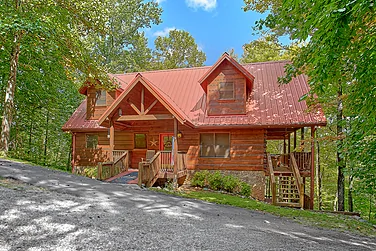
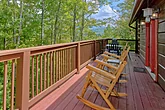
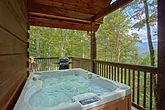
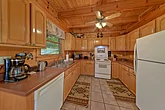
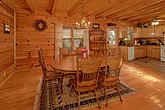
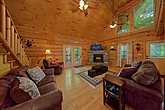
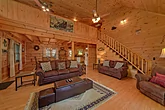
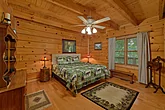
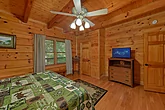
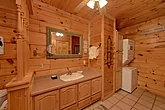
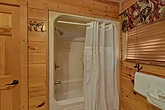
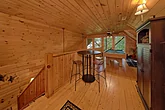
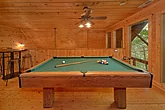
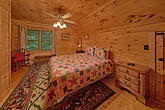
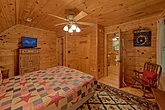
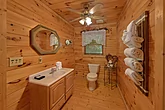
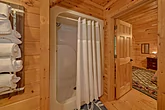
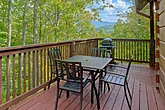
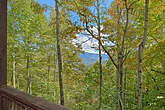
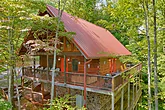
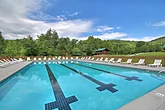
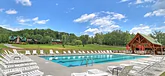
Featured Property Photo2 bedroom in Wears ValleyDeck area2 bedroom cabin with a fully finished kitchenDinning area2 bedroom living room areaLiving room sitting areaMain  level bedroom Main bedroom with Queen bedAttached Full BathroomUpstairs Queen bedroom with private bathroom2 Bedroom with Loft2 Bedroom with Pool Table2 Bedroom Wears Valley CabinKing Bedroom with Flat Screen TVFull BathroomFull Bath with Walk-In ShowerOutdoor Seating with Mountain ViewWears Valley Mountain Views2 Bedroom Wears Valley CabinFree Access to Honeysuckle Meadows Pool & DeliAccess to Catch-And-Release Fishing PondPool Open Seasonally

"Moonlight Magic" A 2 Bedroom Cabin Close to Gatlinburg with Resort Pool

Cabin Rental Details

Adventure Pass Included!

~ $600 / Night Value

Attraction tickets included every day of your stay + departure day

Cabin Description

StarStarStarStar
2 Bedrooms, 2 Baths
Wears Valley, Cabin in Wears Valley, TN
  • 2 Level Cabin
  • 1 King Bed
  • 2 Queen Beds
  • BBQ Grill
  • Deck
  • Gas Fireplace
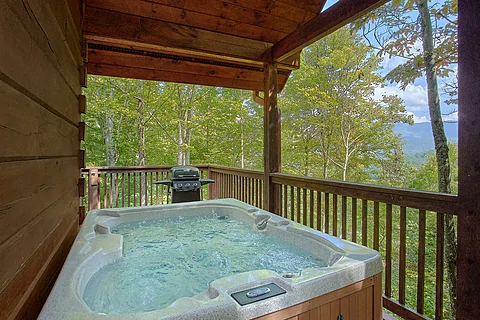
  • Hot Tub
  • WiFi Internet
  • Resort Pool
  • Wooded View
  • Non Smoking
  • Washer/Dryer

Escape to a quiet retreat in the Smoky Mountains with a stay at "Moonlight Magic!" This 2 bedroom cabin close to Gatlinburg with a resort pool offers soothing amenities and a prime, cozy, secluded location in a beautiful forest setting near top attractions.

Unwind with loved ones or find ways to play in the Smoky Mountains. No matter your choice, you'll return home with excellent memories.

Head inside to the living room of your 2 bedroom cabin rental with a hot tub close to Gatlinburg in Wears Valley to relax in front of the warm glow of the fireplace while sitting in the comfortable furniture. Make your time with those who matter most more enjoyable by watching a movie together and feeling at home throughout your vacation.

Nearby, the kitchen lets you whip up a delicious meal for everyone to enjoy at the dining table while trading stories with everyone. If you're in the mood for something different, try the grill for a fun mountain cookout before going out to play in the Smoky Mountains.

Thanks to your cabin's location, you and the others are a short drive from everything downtown Gatlinburg has to offer. Spend the day at Ripley's Aquarium of the Smokies and Ober Gatlinburg or go for a lovely hike in the Great Smoky Mountains National Park and discover Cades Cove and Clingmans Dome. No matter what, everyone in your group will make fun memories.

Also close to "Moonlight Magic" is the Parkway. You'll find great entertainment options, such as area classics Dixie Stampede and the Titanic Museum. In addition, favorites like the Island and activities like ziplining are available to try, ensuring everyone has a chance at adventure.

When not playing in the Smoky Mountains, you'll love relaxing and taking it easy at your 2 bedroom cabin rental with wooded views near Gatlinburg. On the covered porch, you'll enjoy the peaceful atmosphere with those who matter most.

Nearby, the hot tub's warm waters will melt your aches and pains in time for the next exciting adventure with the other guests.

In the summer, everyone will love making a splash in the nearby Honeysuckle Meadows pool and beating the heat. Add to your fun back at the cabin, thanks to the pool table and air hockey table.

Besides the comfortable amenities, you'll enjoy access to practical ones like a washer/dryer and Wi-Fi, ensuring a relaxing experience from start to finish.

Once you're ready to rest, you can look forward to sleeping in one of the cabin's two bedrooms. The king-sized bedroom sits on the main level while the queen-sized bedroom is on the upper level, providing plenty of sleeping space for a good night's rest.

Thanks to the sleeper sofa in the living room, "Moonlight Magic" accommodates up to six guests, making it the perfect destination for a family vacation or a trip with friends in the Smoky Mountains.

Make your Smoky Mountain vacation unforgettable for everyone by grabbing your spot at "Moonlight Magic!" Book your 2 bedroom cabin close to Gatlinburg with a resort pool today and get ready to enjoy your best getaway!
Cabin Photos

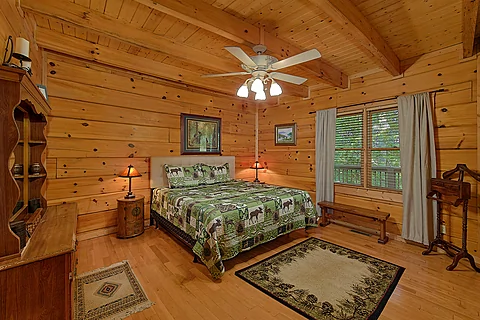
Featured Property Photo - Moonlight Magic2 bedroom in Wears Valley - Moonlight MagicDeck area - Moonlight Magic2 bedroom cabin with a fully finished kitchen - Moonlight MagicDinning area - Moonlight Magic2 bedroom living room area - Moonlight MagicLiving room sitting area - Moonlight MagicMain  level bedroom  - Moonlight MagicMain bedroom with Queen bed - Moonlight MagicAttached Full Bathroom - Moonlight MagicUpstairs Queen bedroom with private bathroom - Moonlight Magic2 Bedroom with Loft - Moonlight Magic2 Bedroom with Pool Table - Moonlight Magic2 Bedroom Wears Valley Cabin - Moonlight MagicKing Bedroom with Flat Screen TV - Moonlight MagicFull Bathroom - Moonlight MagicFull Bath with Walk-In Shower - Moonlight MagicOutdoor Seating with Mountain View - Moonlight MagicWears Valley Mountain Views - Moonlight Magic2 Bedroom Wears Valley Cabin - Moonlight MagicFree Access to Honeysuckle Meadows Pool & Deli - Moonlight MagicAccess to Catch-And-Release Fishing Pond - Moonlight MagicPool Open Seasonally - Moonlight Magic

Cabin Videos

Virtual Tour

Instructions:

Do you want to explore the cabins before you arrive? That's easy, thanks to our 3D Tour powered by MatterPort. Just press the Play button to get started. There are different viewing options available:

  • Dollhouse: Click the icon in the bottom left corner to enter this view. Click the same icon to return to first-person view.

  • Floor Selector: Click on the stacked square icon to change the floor level you view.

  • Floorplan: Click on the floorplan icon next to the dollhouse icon to view the floorplan for each floor level.

  • Measurement: Click the ruler icon to enter measurement mode. Upon entering this mode, click the plus sign to begin measuring whatever you want in the cabin.

Mobile Navigation

In first-person view, navigate through the cabin using the touch screen.

To look around, drag your finger left, right, up, or down. To move to another area, tap on the screen or the hollow white circles on the floor to move the direction you're facing.

To view in full-screen, click the far right icon to enter full-screen mode. Drag from the top of the screen and press the back button to exit full-screen mode.

To use measurement mode, after clicking the plus sign, press and hold to add your start point. Once done, press and hold to add your end point.

Desktop Navigation

In first-person view, use the arrow keys on your keyboard to move around the cabin.

The left and right arrows let you look around while the up and down arrows let you move forward and backward. Also, you can click on the hollow white circles to move to a specific point.

To view in full-screen, click the icon on the far right to enter full-screen mode. Press escape to exit full-screen mode.

To use measurement mode, after clicking the plus sign, click anywhere you want to add to your start point. Once done, click on another spot to add your end point.

Cabin Floor Plans

Availability Calendars

Guest Reviews

Overall Rating:  9.5 / 10

Location Maps

Cabins USA Gatlinburg Office Pin - Office Location
Property Location Pin - Cabin Location

Adventure Pass Included!

~ $600 / Night Value

Attraction tickets included every day of your stay + departure day

Cabins USA Gatlinburg Official Logo
star star star star star
(865) 436-5031

VLS #157
Smoky Mountain Cabin Rentals
Guest Reservations
(800) 584-9872
2 Night Minimum


Cabins USA Gatlinburg Help Icon
Copyright 2013-2026, Cabins USA Gatlinburg, Gatlinburg, TN

Want to receive up to date information on cabin specials and events in the Smokies? Sign up for our newsletter! Simply provide a contact name and email so that we can reach you. Cabins USA Gatlinburg respects our guest's privacy and never shares this information with third-party sites. We treat any information that you share as confidential.

For each of the fields, please provide the following information:

There are several boxes that can be checked to broaden or narrow your search. Once you select your desired amenities or locations, simply click "search" to filter out available properties for your desired date. Once search results are provided, you can sort your results by bedrooms, name, rate, and rating.

After your first search, it isn't necessary to click the "search" button again as this feature will automatically filter your results for any new search features you provide, unless you change the date, the number of nights, or go to a new webpage.

It isn't necessary that you wait for a search to be completed before you select or deselect different search features.

When browsing results, you can add them to your "favorites" by clicking the red plus mark on the bottom left of your desired property. You can view your selected properties by click the "favorites" tab at the top of the search bar.

Add/Remove Favorites
When using our "search" feature, you can make a list of favorites. After doing an availability search for your desired vacation date, our site will produce a list of available cabins. Simply click the "+" sign on the lower left side of the property you are interested in.

Doing this will add the rental to your favorites list. You will notice that the "+" has now changed to a "-". You can click this minus sign to "unselect" this property from your favorites list.

You can also remove a property from your favorites list by clicking the minus sign to the right of the property name under the favorites tab. Additionally, you clear your favorites list by clicking "remove all" on the favorites bar. After doing this, you will have to perform a new availability search.
The number next to the favorites tab is the number of properties you have selected.

View List
To see all of your favorite rentals on one page, simply click "view list"

Compare Favorites
Under the favorites tab on the search bar, you can view your selected favorites. By checking the box next to your selected rentals, you can compare up to three properties.
Simply select the 2 – 3 properties you wish to compare, then click "compare" to see these rentals side-by-side.
Once you find your perfect rental for the right date, simply click "book now" to begin the booking process.